

A digital transformation roadmap is a short, sequenced plan that turns a business goal into a handful of practical projects, each with an owner, a timeline, a budget and a measure of success. For a small or mid-sized business, the best first project is usually the least glamorous one: connecting the CRM, invoicing, scheduling and reporting tools your team already juggles, so the same data stops being typed in three places. At AdaptAI we build that as one custom system behind a single login for businesses in Surrey and Metro Vancouver, and the steps below show where it fits in a plan you can start this quarter.
Table of Contents
- What is a digital transformation roadmap, and what does it include?
- Why bother with a roadmap at all?
- Step 1: Start with the problem, not the technology
- Step 2: How do you assess where you are today?
- Step 3: Which projects come first?
- Step 4: How do you choose and connect the software?
- Step 5: What about training and change management?
- Step 6: How do you set timeline, budget and ownership?
- A sample 12-month roadmap
- How do you measure progress?
- Why do transformations stall, and what prevents it?
- Our perspective: one connected system beats another subscription
- Ready to turn the roadmap into a build?
- Frequently asked questions
- Sources
What is a digital transformation roadmap, and what does it include?
Think of it as a map with stops, not a vision statement. BDC's free technology guide frames a digital roadmap around four questions: how technology adoption lines up with business goals, which processes deserve investment first, how to build a digital culture, and which data and metrics will show success.
In practice, a useful roadmap for a business with 5 to 100 people has five parts:
- Goals: one or two measurable outcomes, such as "cut invoice preparation from six hours a week to two."
- Current state: what tools, data and skills you have today.
- Priorities: the projects ranked by payoff and effort.
- Plan: owner, milestones, budget and training for each project.
- Measures: how you will know it worked.
A "digital transformation plan" and a "roadmap" are close cousins. The roadmap is the sequence over time. The plan is the detail behind each stop: who does what, with which money. For a small business, one document of three to five pages usually covers both.
Why bother with a roadmap at all?
Because the businesses that get results tend to have one. BDC reports that 99% of digitally advanced businesses have a digital plan, compared with 9% of digital latecomers.
Most Canadian small businesses are already buying tools, so the question is whether the tools add up to anything. The CFIB's 2025 survey of 1,683 owners found that 92% of SMEs use some digital tools, but only 10% are fully digitalized. Among the owners who measured their returns, six in ten reported an average 29% productivity gain in the first year. Those are survey results, not promises, but they show the payoff goes to businesses that finish what they start.
The risk of drifting is real. The Canada School of Public Service notes that over 70% of digital transformation efforts fail and points to the usual causes: goals not tied to the business, no executive sponsor, weak digital skills and shaky IT foundations. A roadmap is how you check each of those before you spend.
Step 1: Start with the problem, not the technology
Write down one or two pain points that cost you the most. Innovation Canada advises starting with the goal rather than the tool, and focusing first on high-impact basics: digital accounting and payroll, CRM tools, project management platforms and e-commerce or marketing tools.
Good goals are specific and countable:
- Quotes go out the same day instead of in three days.
- Month-end reporting takes one afternoon, not two days.
- Customer questions after hours get an answer within minutes.
- Nobody retypes a client's details into a second system.
Our clients typically report saving 5 to 15 hours of administrative work per week after implementation. Use a figure like that only as a sense of scale. Your own goal should come from your own timesheets.
Step 2: How do you assess where you are today?
Before you plan, look at three things: processes, data and people.

Processes. BDC's Digitize study advises mapping your business processes to find bottlenecks before bringing in new technology. For each area, note what works, what does not, what technology is involved, how data is used and where resources or skills are missing. A whiteboard and an hour with each team lead is enough to start.
Data. Ask where each key record lives: customers, jobs, invoices, inventory. If the same customer exists in a spreadsheet, an accounting package and an email inbox, that is your first finding. Messy data also blocks AI later. Clean, connected records are what make reporting and chatbots reliable.
People. List who is comfortable with which tools, and who is not. The same BDC study suggests listing employees' current skills so you can plan training for each person. Skills are the common sticking point: a Canadian study of SME digital maturity found that the availability of digital skills is the top obstacle to adopting technology, and only 5.5% of small enterprises employ specialized ICT staff.
If you want a quick benchmark, BDC's digital maturity assessment scores two things: digital intensity (tools with customers, use of data, integrated processes) and digital culture (strategy, leadership support, training and willingness to try things). For context, a BDC study reported in June 2026 found that only 8% of Canadian SMEs reached a very high digital maturity score and 15% a high one. Most businesses have room to move, so a modest score is a starting point, not a verdict.
Step 3: Which projects come first?
Rank each candidate project by two questions: how much time or money does it free up, and how hard is it to do? Start with high payoff and low effort.
Innovation Canada's expert tip is a good filter: list the recurring, time-consuming tasks, such as updating an expense spreadsheet every week. Those tasks often point to simple, high-impact fixes rather than complex technology.
For most of the businesses we work with, the same four candidates top the list:
| Candidate project | Typical pain it removes | Effort |
|---|---|---|
| Connect CRM, invoicing and scheduling | Double entry, mismatched customer records | Medium |
| Automate recurring admin (reminders, follow-ups, report emails) | Hours of manual repetition | Low to medium |
| Real-time reporting dashboard | Waiting for someone to build the monthly report | Medium |
| Customer service chatbot | Repeated basic questions, after-hours enquiries | Low to medium |
The first row usually unlocks the other three, because reports, automations and chatbots are only as good as the data behind them. Our guides on data integration for Canadian SMBs and an automation roadmap that targets 5 to 15 admin hours go deeper on sequencing.
If your operations feel scattered more broadly, and not only in the software, operational improvement support for existing businesses can help you look at the whole picture before you commit to a technology order.
Step 4: How do you choose and connect the software?
This is where small businesses lose the most money, usually by buying one more tool that does not talk to the others. Three habits from BDC and Innovation Canada help.
- Build a small buying team. BDC's study on technological advantage recommends a team to support the purchase, plus conversations with peers, demos, and some teams went as far as grids rating vendors on set criteria.
- Make an integration plan with milestone dates. The same study found implementation took longer for owners who had no integration plan from the start.
- Check integrations and local support. Innovation Canada suggests looking for vendors with industry experience and reliable regional customer support, and reviewing a platform's integration list to see whether it connects with tools common in your industry.
The question underneath all three is whether you want a stack of separate subscriptions that you connect over time, or one system designed around how you work. We build the second kind: custom software that merges CRM, invoicing, scheduling, reporting and workflow automation behind one login. Because it is built around your own processes and data, nothing has to be bent to fit someone else's template. You also own the code, with no lock-in. Our page on custom software versus off-the-shelf walks through the decision, and the custom CRM guide covers when a tailored CRM pays off.
If you are weighing budgets, read what custom software costs a small business. Our engagements are fixed-price with regular milestones, so the number you agree to is the number you plan around.
Step 5: What about training and change management?
A connected system that nobody uses is just a more expensive spreadsheet. Training belongs in the roadmap as its own line, with its own budget and owner, not as an afterthought.

The numbers point the same way. BDC's June 2026 study found that on average only 18% of Canadian SMEs say they have all the in-house talent they need to deploy AI, and that 51% provided AI training in 2025. The returns differ too. In BDC data reported by B2B News, 86% of SMEs that train staff in AI are satisfied with its return, against 53% of those that do not. Satisfaction is also higher, 85% versus 66%, where there is a formal plan that includes AI.
For the roadmap, that means:
- Train on real tasks. Teach people with your own quotes, invoices and customer emails, not generic examples.
- Name a champion in each team. Someone who answers the daily "how do I..." questions.
- Schedule training before go-live and again a few weeks after. The second session is where the real questions surface.
- Be honest about what AI can and cannot do. Staff who understand the limits trust the tools more, not less.
Our AI training and workshops are tailored to your team's actual tasks. For managers specifically, see what to teach and how, and for the people side of rollout, five steps of AI change management.
Step 6: How do you set timeline, budget and ownership?
Give every project on the roadmap the same short profile:
- the outcome it should deliver, in numbers
- one owner who answers for it
- the people who will use it
- milestones with dates
- budget for the build and for running it afterwards, including data cleanup, integration, training and support
- what must be true before it can start
Keep the first round small. BDC's Digitize study found that the most successful businesses start with small projects to build skills and prove return on investment, and its message is that the goal is to gain digital maturity one step at a time, not to reinvent the company overnight.
A pilot is the safest way to do that. Run one workflow, with one team, for a few weeks, and decide what to do next on evidence. Our walkthrough on running an AI pilot at a small business shows how, and if you handle customer data, the guide on workflow automation and PIPEDA covers the privacy side. Security deserves a line in the roadmap too: BDC data reported in June 2026 found that 45% of Canadian SMEs had a cyberattack or attempted attack in the prior 12 months, and cybersecurity was the second biggest barrier to digital adoption after cost.
A sample 12-month roadmap
This is an illustration of how the pieces fit for a 25-person service business. Adjust the timing to your own capacity.
| Quarter | Focus | Output |
|---|---|---|
| 1 | Goals, process map, data and skills review | Ranked project list, baseline numbers |
| 2 | Pilot one automation and connect CRM with invoicing | Working pilot, first time savings measured |
| 3 | Extend to scheduling and reporting, train all teams | One login, live dashboard, trained champions |
| 4 | Add customer chatbot, review results, plan year two | Review against baseline, next-year priorities |
Notice that nothing in the first quarter is a purchase. Planning is the cheapest part of the project and the one that most affects whether the rest works.
How do you measure progress?
Compare results to the goals you wrote in Step 1, using the baseline numbers from your assessment. Good measures for a small business include turnaround times, cost per job, error rates, volumes processed and how many people actually use the new tools.
IMD's guide to measuring digital transformation groups KPIs into four categories: operational efficiency, workforce engagement, customer engagement and new sources of value. It warns against leaning on one or two numbers. For a small business, pick one measure from each category that matters to you and review them monthly.
One trap: hours saved are not automatically dollars saved. Decide in advance where freed-up time goes, whether to more customer work, faster delivery or fewer overtime hours. Our operational efficiency metrics scorecard gives operations managers four measures to start with, and 10 questions for self-service analytics helps finance and operations teams get answers from their own data without waiting on a report.
Why do transformations stall, and what prevents it?
| What goes wrong | What the roadmap does about it |
|---|---|
| No link to business goals | Every project traces back to a stated outcome |
| No sponsor | One named owner per project, plus an executive sponsor |
| Staff not ready | Training scheduled before and after launch |
| Tools that do not connect | Integration plan with milestones before purchase |
| Dirty or scattered data | Cleanup and connection come first |
| Security as an afterthought | Access controls and backups planned from the start |
The pattern shows up in Canadian manufacturing too: Plant magazine, citing a Statistics Canada survey, reports that over 65% of Canadian manufacturers fail to meet business objectives when investing in new technologies. Missing strategy, not missing technology, is the usual reason.
Our perspective: one connected system beats another subscription
We meet owners every month who are not short of software. They have a CRM, an invoicing tool, a scheduling app and a reporting spreadsheet, and the staff are the integration layer, copying information from one place to another.
Our view is that the roadmap for most small businesses should start there. Before chatbots, before predictive anything, get your customer, job and invoice data into one connected system. Everything after that is easier and cheaper, because each new tool works from the same records.
That is why we build custom, fixed-price software around your actual processes, with one login, milestones you can check and local support in Surrey and Metro Vancouver. You own the code, so the system stays yours. And we pair it with training on real tasks, because a good system only pays off when your team is comfortable using it.
Be wary of anyone who promises a revolution. A good roadmap is calm and sequenced: one pain point, one pilot, one measured result, then the next.
Harry Gill
Ready to turn the roadmap into a build?
If you have your goals and a rough process map, the next step is turning them into a scoped project. We offer AI strategy consulting, including an AI Discovery Sprint and an AI Pilot, and custom software that brings your CRM, invoicing, scheduling, reporting and automation into one system.
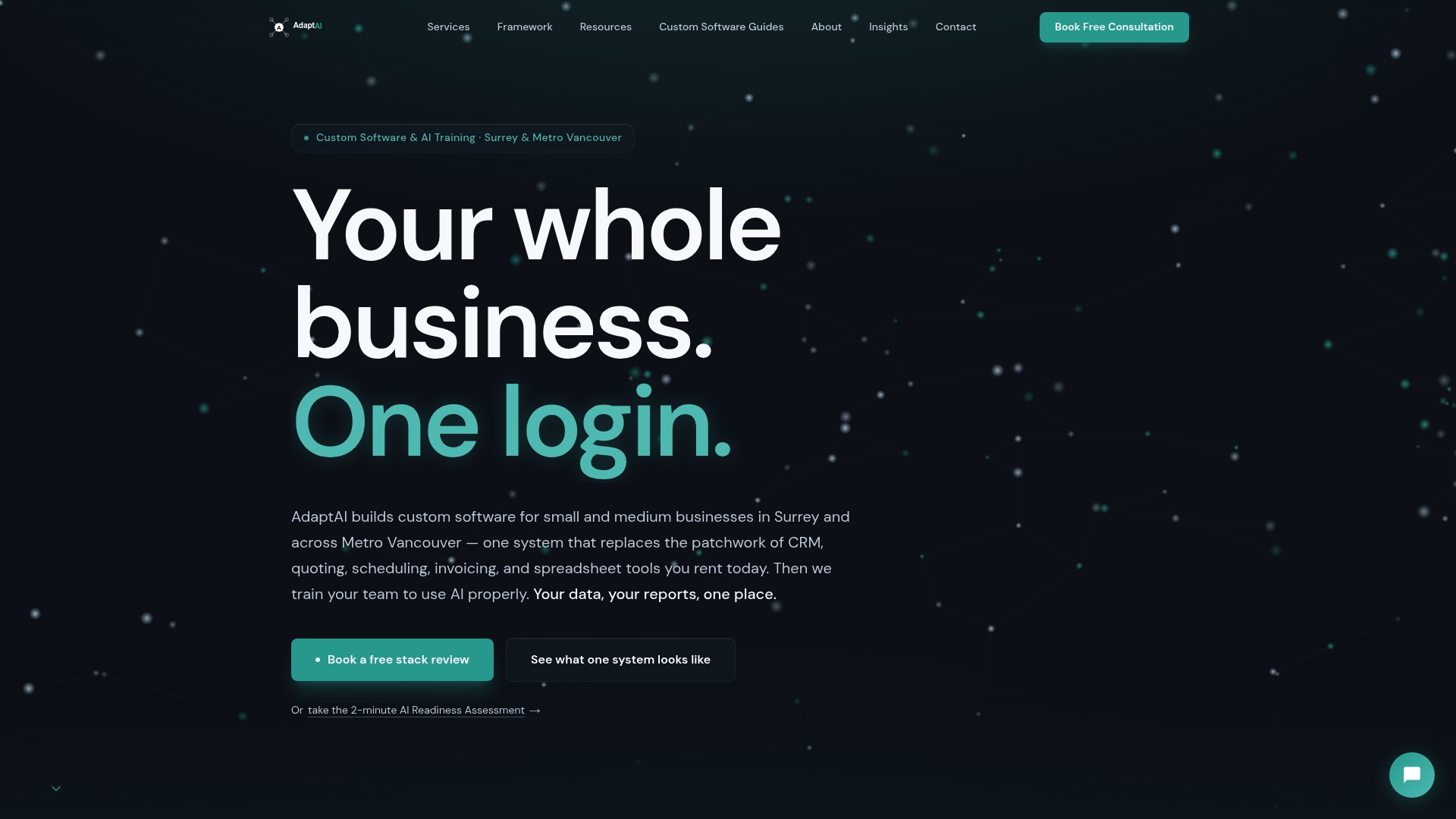
See our AI strategy consulting and pilot options, or look at how custom software could replace your patchwork of tools. Our team is local, and every project has fixed pricing and regular milestones.
Frequently asked questions
What are the main digital transformation steps?
Set one or two goals, assess your processes, data and skills, rank projects by payoff and effort, choose and connect your software, train your team, pilot before scaling, then measure against your baseline. BDC's Digitize study describes a similar path: share a vision, invest in technology, build a culture of change, use data and keep improving.
How long should a digital transformation roadmap cover?
Twelve months in detail and a looser second year is a sensible span for a small business. Short cycles let you check results and change course. Larger builds can run longer, but each should have milestones every few weeks.
How much should a small business budget for digital transformation?
There is no single figure, because it depends on how many systems you connect and how much training your team needs. Budget for implementation and for ongoing running costs, including data preparation, integration, training and support. We scope each project at a fixed price once we understand your processes.
Do we need AI in our roadmap?
Only where it serves a goal. Many first projects, such as connecting systems and automating repeated admin, need no advanced AI. Once your data is connected, AI reporting and chatbots become far more useful, and the BDC figures above show that businesses with a plan and trained staff report better returns.
Sources
- BDC: Making Technology Work for Your Business
- BDC: Seize the Technological Advantage
- CFIB: Digital Transformation, 2025
- Canada School of Public Service: Six Risks to Avoid When Leading a Digital Transformation
- Innovation Canada: Digital Transformation, A Practical Guide for Entrepreneurs
- BDC: Digitize
- BIIE/WTC: Measuring the digital maturity of Canadian SMEs
- BDC: Digital maturity assessment
- B2B News: Canadian SMEs Are Adopting And Getting Returns On AI
- BDC: The Digital Transformation of SMEs in the Age of Artificial Intelligence
- IMD: The measurement of digital transformation performance
- Plant: Looking beyond Industry 4.0
- GURU Business: How It Works