
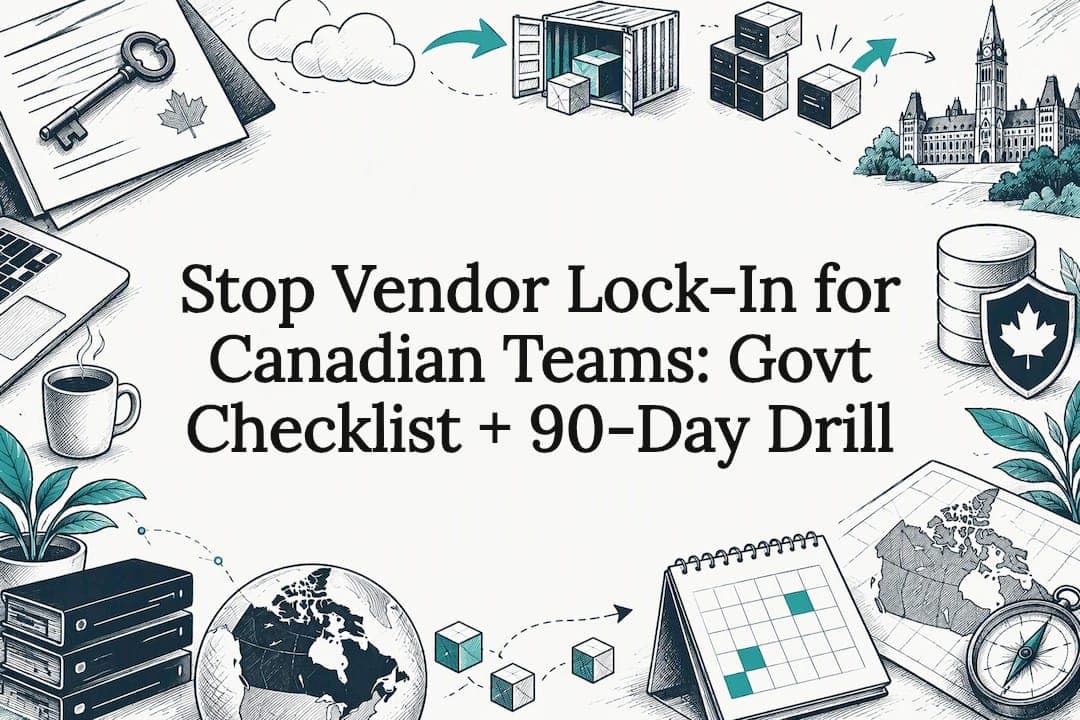
Vendor lock-in happens when switching providers becomes so costly or technically painful that you stay with a vendor out of necessity, not choice. The single most urgent step is contractual: ask for your data in non-proprietary, exportable formats and require a documented exit runbook before you sign anything. Everything else, from architecture to procurement, builds on that one habit.
Table of Contents
- What vendor lock-in looks like and how to spot it
- Why vendor lock-in matters: cost, security, and innovation risk
- Common technical and contractual causes of lock-in
- Build a vendor assessment checklist before you sign
- Architecture and procurement strategies that reduce dependency
- How custom, owner-controlled systems can reduce lock-in exposure
- Notable vendor lock-in cases and what they cost businesses
- Early warning signs of lock-in in contracts you already have
- Monitoring vendor relationships to catch creeping lock-in early
- Why we plan the exit before the contract even starts
- How we help businesses avoid getting boxed in by their own tools
- FAQ
- Sources
What vendor lock-in looks like and how to spot it
Lock-in rarely announces itself. It shows up as a pattern of small inconveniences that add up to a wall. The Canadian Centre for Cyber Security points to a short list of warning signs worth checking in any vendor proposal or existing contract.
- Exit fees or penalty clauses that activate the moment you try to leave.
- Proprietary data formats that can't be opened or read outside the vendor's platform.
- Single-admin control, where only the vendor's staff can access or export your configuration.
- Provider-managed encryption keys, meaning you can't decrypt your own data without the vendor's cooperation.
A SaaS CRM that exports contacts only as a flattened, non-relational CSV is a mild version of this. A managed database service that encrypts everything with keys you never touch is a more serious one, because you can't even verify what's stored without the provider's help. Service model matters here: the more a provider manages on your behalf, the harder these indicators are to see until you try to leave.
Why vendor lock-in matters: cost, security, and innovation risk
Lock-in isn't just an IT headache. It changes what a business can afford to do and how fast it can respond when something goes wrong.
- Hidden costs compound. Egress fees, custom integration work, and retraining staff on a new system can dwarf the original contract value.
- Innovation slows down. When your roadmap depends entirely on a single vendor's roadmap, you adopt new capabilities on their schedule, not yours.
- Continuity risk rises. Acquisition, bankruptcy, or a shift in jurisdiction can leave you with no leverage and no backup plan.
The Canadian Centre for Cyber Security identifies exit penalties, proprietary formats, and unclear data ownership as the core indicators procurement teams should flag before signing, not after a problem surfaces. A board or security committee reviewing vendor risk should treat these as standing agenda items, not one-time checks during onboarding.
Common technical and contractual causes of lock-in
Lock-in usually isn't an accident. It's the predictable result of a few recurring design and contract choices, especially in cloud environments.
- Proprietary APIs and data formats. When a vendor's managed service stores data in a format only its own tools can read, migrating means rebuilding, not just copying files.
- Platform-specific managed services. Convenience features (auto-scaling queues, proprietary serverless functions, managed orchestration) often have no equivalent elsewhere, so using them deeply ties your architecture to one provider.
- Vague data ownership clauses. Contracts that don't explicitly state you own your data, in a usable format, leave room for disputes at exactly the moment you need clarity most.
- Opaque sub-processor chains. When a vendor quietly relies on other vendors behind the scenes, you inherit their risks without ever seeing the contract.
- Exit penalties buried in fine print. Early termination fees or data-retrieval charges can make leaving financially irrational even when the service itself is failing you.
Infrastructure-as-a-service tends to be more portable than platform-as-a-service or software-as-a-service, because IaaS gives you more control over how data is structured and stored. PaaS and SaaS trade that portability for convenience, and that trade-off is fine, as long as you make it deliberately rather than by default.
Build a vendor assessment checklist before you sign
The best time to prevent lock-in is before the contract exists, not after you're inside it. A short, consistent checklist applied to every vendor proposal catches most of the risk early.
- Who owns the data, and in what format will you receive it? Get this in writing, not as a sales assurance.
- What is the exact exit process, timeline, and cost? Ask for a sample export during the sales cycle, not after signing.
- Which sub-processors handle your data, and where is it stored? Vague answers here are themselves a warning sign.
- How are encryption keys managed? Bring-your-own-key (BYOK) or independent hardware security modules keep decryption control with you rather than the vendor.
Pro Tip: Ask every vendor one blunt question during evaluation: "If we needed to leave in 90 days, what would that actually involve?" Their answer tells you more than their pitch deck.
Model clauses worth requesting include data portability guarantees, advance notification of material platform changes, audit rights over sub-processor use, and termination assistance obligating the vendor to support your migration rather than simply ending access. Government of Canada guidance on selecting cloud services recommends treating data accessibility at reasonable cost as a baseline requirement, not a negotiated extra. The Canadian Centre for Cyber Security's guidance on cloud cryptography adds that key management choices can create lock-in that's invisible until you try to switch providers and discover you never controlled your own encryption keys.
Architecture and procurement strategies that reduce dependency
Reducing dependency is mostly a design decision made early, not a rescue operation attempted later.
- Favour open standards and vendor-neutral formats for anything in your core data path. Proprietary managed services can still be useful, but reserve them for non-critical, easily replaceable functions.
- Use infrastructure-as-code and modular architecture. The Government of Canada's Open First whitepaper explains that substitutable building blocks make it realistic to swap one component without rewriting the whole system.
- Use multi-cloud or hybrid patterns selectively, not as a blanket rule. Keeping backups and disaster recovery with a separate provider from your primary platform limits how much damage a single vendor failure can do.
- Control your own encryption keys where possible. Third-party key management or BYOK keeps you from depending entirely on one provider's cryptographic infrastructure.
- Require interoperability testing and exit drills as part of procurement, not as an afterthought once the system is live.
Pro Tip: Run a small, low-stakes migration test with a non-critical workload before you commit to a vendor at scale. If the export process is painful on a small system, it will be worse later.
For organizations managing multi-cloud setups or planning a migration, working with a managed services partner like NEXTmsp for cloud migration support can help validate that a planned move is technically realistic before you're committed to it.
How custom, owner-controlled systems can reduce lock-in exposure
One practical way to sidestep several lock-in vectors at once is to consolidate operational tools into a system you actually own. When a business runs CRM, invoicing, scheduling, and reporting as separate subscriptions from separate vendors, each one is a potential lock-in point with its own export quirks, pricing changes, and renewal terms.
We build custom software that merges those functions into a single application behind one login, with the business owning the code outright rather than licensing access to someone else's platform. There's no proprietary format to escape later, because the data model is built around how the business actually works, not around a vendor's product roadmap. Clients typically report saving time on administrative work each week once the consolidated system replaces the patchwork of separate tools.
Custom builds aren't the right fit for every situation. A business with simple, standard needs may be better served by an established SaaS tool with strong export options. Our guide on custom software versus off-the-shelf systems walks through that trade-off in more detail, including when the lock-in risk of off-the-shelf tools is worth accepting.
Notable vendor lock-in cases and what they cost businesses
Lock-in problems tend to surface in predictable ways: a vendor raises prices sharply once switching costs are high, a platform sunsets a feature a business depended on, or an acquisition changes the terms of service overnight. In each case, the business affected usually discovers the true cost of switching only when it's already locked in, not during the original purchase decision.
The pattern across these situations is consistent. Businesses that negotiated data portability and exit terms upfront absorbed the disruption with a migration project. Businesses that didn't often faced a choice between accepting unfavourable new terms or an expensive, rushed rebuild. The Canadian Centre for Cyber Security's guidance for managed service consumers frames this directly: the questions you ask a supplier about bankruptcy scenarios, penalty structures, and proprietary formats before signing determine how much leverage you keep later.

The lesson isn't that any particular vendor is untrustworthy. It's that contract terms written when you have the most negotiating power, before you sign, are the terms that protect you when circumstances change years later.
Early warning signs of lock-in in contracts you already have
If you're already using a vendor, a few contract and usage patterns suggest lock-in risk is building even if nothing has gone wrong yet.
Review your current agreements for unclear language around data ownership, especially anything that describes your data as being "processed" or "managed" rather than explicitly "owned" by you. Check whether you've ever actually tested an export, or whether you're simply assuming one would work if needed. Look at how deeply your team has adopted vendor-specific features that have no equivalent elsewhere: the deeper that integration, the harder a future move becomes.

Pricing history is another signal. A vendor that has raised prices without a corresponding increase in service, especially right after a renewal when switching costs are highest, is one worth testing for exit feasibility now rather than later. The Government of Canada's cloud selection guidance recommends asking, during active use and not just at procurement, whether a comparable service is available from another provider and what switching would genuinely require.
None of these signs mean you need to switch immediately. They mean it's worth running a small export test and documenting what you find, before a contract renewal forces the question under time pressure.
Monitoring vendor relationships to catch creeping lock-in early
Lock-in risk isn't static. It grows quietly as your team adopts more vendor-specific features, integrates more workflows, and accumulates more data in a proprietary format. A vendor relationship that looked low-risk at signing can look very different three years in.
Build a recurring review, annually at minimum, that revisits the same questions you asked during procurement: can we still export our data cleanly, has the vendor added new proprietary dependencies, and has pricing or sub-processor use changed without clear notice? Treat this as a standing governance task owned by IT or procurement, not a one-time contract review.
Keep a lightweight inventory of which systems hold business-critical data and how portable each one actually is. A system with no tested export path should be flagged for review even if it's working well today, because the risk isn't current performance, it's what happens if you ever need to leave. Pair this with periodic, low-stakes export tests rather than waiting for a crisis to discover whether your assumptions about portability were accurate.
Why we plan the exit before the contract even starts
The most useful lesson from reviewing vendor risk is counterintuitive: the best time to plan your exit is the day you sign, not the day you need one. Waiting until a relationship sours means negotiating a migration runbook with no leverage and a vendor who has little incentive to make it easy.
Requiring a documented migration runbook and a sample data export during procurement, before any money changes hands, costs you almost nothing and tells you immediately whether a vendor's promises about portability are real. If they can't produce a sample export during the sales process, they likely can't produce one on short notice during a crisis either.
— Harry Gill
How we help businesses avoid getting boxed in by their own tools
We build toward the opposite of lock-in: a custom software system you actually own, with your CRM, invoicing, scheduling, and reporting consolidated behind one login and no proprietary format standing between you and your own data.
If your current setup is a patchwork of SaaS subscriptions each with their own export quirks and renewal surprises, a custom build is worth considering when consolidation and ownership matter more than picking the cheapest monthly tool. We also offer AI workflow automation and AI training workshops for teams that want to get more from the systems they already run. Start with a conversation about what a consolidated, owner-controlled system could look like for your business.
FAQ
What is vendor lock-in in cloud computing?
Vendor lock-in in cloud computing is when switching providers becomes impractical because of proprietary data formats, deep integration with platform-specific services, or high exit costs. The Canadian Centre for Cyber Security identifies unclear data ownership and exit penalties as key indicators to check for before signing a cloud contract.
What does "vendor" mean in IT?
In IT, a vendor is any company that supplies software, hardware, or managed services to a business, typically under a contract that defines pricing, support, and data handling terms. The term covers everything from a cloud infrastructure provider to a small SaaS tool used by one department.
What is a vendor-locked CPU?
A vendor-locked CPU typically refers to hardware or firmware restricted to work only with a specific manufacturer's software, accessories, or service ecosystem, limiting a buyer's ability to switch components or providers later. This is a hardware-specific version of the same dependency risk seen in cloud and software contracts.
What are the major issues and challenges in cloud computing?
Beyond vendor lock-in, common cloud computing challenges include data security and encryption key control, unclear sub-processor chains, unpredictable egress and migration costs, and jurisdictional exposure when data crosses borders. Guidance from the Canadian Centre for Cyber Security on cryptography addresses the key management piece of this directly.
How can a business reduce dependency on a single vendor?
The most effective steps are requiring portable, non-proprietary data formats, negotiating clear exit clauses and sample exports during procurement, and favouring open standards or modular architecture over deep proprietary integration. Some businesses also consolidate fragmented SaaS tools into a custom-built system they own outright, removing several lock-in points at once.
Sources
- Government of Canada — Right cloud selection guidance
- Cyber security considerations for consumers of managed services (ITSM.50.030) — Canadian Centre for Cyber Security