
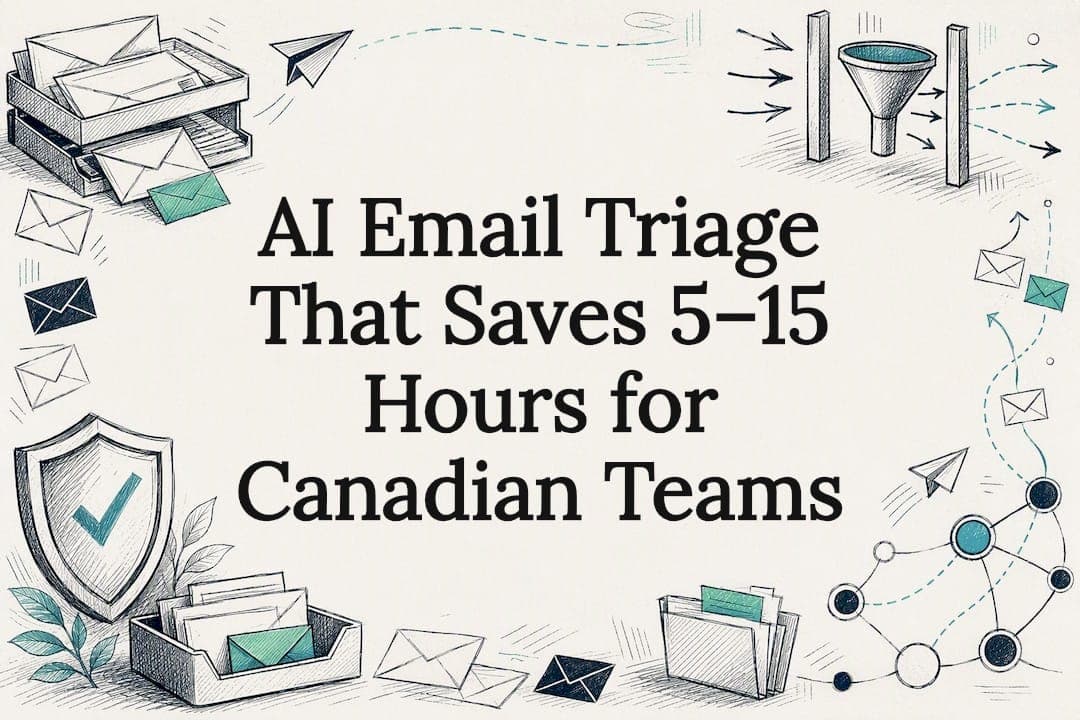
AI email triage uses machine learning to read incoming messages, work out what they're about and how urgent they are, then sort, route or draft replies automatically. AdaptAI builds these systems for small teams, and the Canadian Centre for Cyber Security has flagged the security side of doing this well. The payoff is real: hours back every week and fewer missed messages, but only when a human still checks the risky decisions.
Table of Contents
- How does AI email triage actually work?
- Which setup fits your team: agents, hybrids or assistants?
- A step-by-step checklist for setting up triage safely
- Keeping triage private, compliant and secure
- Ready-to-adapt prompts and workflows for real inboxes
- What actually works, and what the hype gets wrong
- How AdaptAI builds triage systems that teams actually trust
- Where to check the details yourself
- Sources
- FAQ
How does AI email triage actually work?
Under the hood, most systems do the same four things in sequence. First, natural language processing reads each message to figure out intent, topic and how urgent it sounds, whether that's a client complaint, an invoice question or a sales lead. Second, that classification feeds a scoring step, where the system applies a rubric you've set: certain senders, keywords or deadlines push a message up the priority list. Third, the message gets routed based on that score, whether that means a label, a folder move, a spot at the top of the inbox or a new record in a CRM or ticketing tool. Fourth, for common reply types, the system can draft a response for a person to review before it goes out.
- Classification sorts by intent, topic and urgency, not just keywords.
- Scoring applies your rubric consistently across every message, day or night.
- Routing can create CRM records or tickets automatically, not just move email.
- Draft generation speeds up replies but should always sit behind human approval.
The trade-off is control. The more autonomy you hand the system, the faster it runs, but the more oversight you need in place before something goes wrong.
Which setup fits your team: agents, hybrids or assistants?
Three architectures cover most real deployments, and the right one depends on your budget, your tech stack and how much risk you're willing to carry.
- Agentic pipelines: several specialized agents each own one category (billing, support, sales) and hand off work between them. This scales well for high volume but costs more to build and needs solid logging to stay auditable.
- Rule-first, AI-for-exceptions hybrid: simple rules handle predictable mail (newsletters, receipts), and AI only steps in for anything that doesn't match a rule. This keeps costs down and limits AI's exposure to sensitive decisions.
- Workspace assistant approach: tools like Microsoft 365 Copilot or Google Gemini triage inside the inbox you already use, which is fast to set up but limits how much you can customize the rubric.
Batch processing (running triage every hour or overnight) suits lower-volume inboxes and simplifies review. Instant routing suits time-sensitive categories like support escalations, where a delay costs you a client.
A step-by-step checklist for setting up triage safely
Start by preparing the ground before any AI touches your inbox. Pull together a sample of real threads, at least a few dozen across every category you handle, and write a short house style guide covering tone and any phrases you never want used automatically.
- Define your categories and build an editable urgency rubric with clear thresholds for each action.
- Map your integration points: which mail provider, which CRM, which ticketing system, and exactly what data flows between them.
- Write your prompts and agent rules, then test them on small batches before touching live mail.
- Set human checkpoints for anything above a certain urgency score or touching sensitive topics.
- Operationalize the system with logging, nightly syncs, drift checks and a short list of metrics you'll track weekly.
An AI readiness framework can help you check whether your data and processes are organized enough to start before you commit budget to a build. Many teams skip this step and end up rebuilding their categories twice.
Pro Tip: Run your pilot on one inbox category for two weeks before rolling it out everywhere. It's far easier to fix a rubric that's wrong for one category than one that's already touched everything.
Keeping triage private, compliant and secure
Under Canadian privacy law, your business stays responsible for what an automated system decides, even if a vendor built the model. The Office of the Privacy Commissioner's guidance on automated decision-making is clear that PIPEDA obligations don't disappear just because AI is doing the sorting: you still need governance, supervision and a real privacy safeguard in place.
- Run an Algorithmic Impact Assessment before deploying anything that makes decisions affecting clients or employees.
- Keep auditable decision trails so you can explain why a message was flagged, routed or drafted the way it was.
- Build human-in-the-loop checkpoints and redact sensitive data before it ever reaches an external AI model.
- Apply phishing-resistant multi-factor authentication and sandbox attachments before they reach an inbox.
The Canadian Centre for Cyber Security's AI security primer recommends embedding human checkpoints, auditable decision trails and kill-switches as core controls. This matters because triage systems that touch client data without oversight are a real liability, not just an inconvenience.
Frontier AI models are also making phishing attacks harder to spot, according to a recent statement from the Canadian Centre for Cyber Security, which recommends reputable detection tools alongside phishing-resistant MFA. A plain guide to AI data safety walks through what to ask any vendor before connecting them to your inbox.
Ready-to-adapt prompts and workflows for real inboxes
You don't need a complicated system to get started. A few tested patterns cover most of what a small team needs.
- Five-label batch triage: ask the model to sort a batch of emails into five labels (urgent, action needed, waiting on someone else, FYI, spam) and return a simple table with sender, label and one-line reason.
- Rubric-driven pipeline: score each message against your rubric (0 to 10), and set thresholds: anything scoring 8 or higher routes to a person immediately, 4 to 7 goes to a review queue, below 4 gets filed automatically.
- Follow-up templates: give the model a draft-and-edit limit ("suggest, don't send") so replies always wait for a human before going out.
- Track your metrics: watch your edit ratio (how often you change the AI's draft), minutes saved per day and any drift in accuracy over time.
An enterprise playbook for AI agents recommends treating the system like an accountable team member: give it an identity, a documented rubric, nightly drift reviews and full logging of every call it makes. That structure is what makes a triage system auditable instead of a black box.
What actually works, and what the hype gets wrong

Most of the AI email triage pitches you'll see promise a fully autonomous inbox, and that's the part I'd push back on. The technology handles sorting and drafting well. It doesn't handle judgment calls about client relationships, and teams that skip the human checkpoint usually find that out the hard way, after a client complaint gets auto-filed as low priority.
The teams that get real value treat triage as a narrow tool with a tight rubric, not a replacement for judgment. Start small, measure the edit ratio honestly, and expand only once the system has earned trust on a single category. Governance isn't a compliance checkbox here, it's what keeps the system useful once your volume grows past what any one person could review by hand.
— Harry Gill
How AdaptAI builds triage systems that teams actually trust
If you'd rather not stitch together rules, prompts and a CRM integration yourself, that's the work AdaptAI does for small and medium businesses. We build custom software that connects your inbox, CRM, scheduling and reporting behind one login, so triage routes straight into the tools your team already uses instead of adding another disconnected app.
Projects include pricing, support, and ongoing AI training to help teams adjust the rubric as their business changes, not just how to use it on day one. Clients typically see 5 to 15 hours of administrative work saved per week after a build like this goes live. If you want to test the idea before committing to a full build, an AI Discovery Sprint or pilot is the practical next step.
Where to check the details yourself

For the regulatory and security claims in this article, the Canadian Centre for Cyber Security's AI guidance and the Privacy Commissioner's automated decision-making guidance are the primary sources worth bookmarking. For hands-on build patterns, Microsoft's email triage tutorial in Power Automate and a Canadian cloud provider like Cloud OS are useful starting points for data residency questions.
Sources
- Statement from the Canadian Centre for Cyber Security on frontier AI models and their impact on cyber security
- Office of the Privacy Commissioner of Canada — guidance on automated decision-making and AI
- Top 10 artificial intelligence security actions: A primer - ITSAP.10.049
- AI agents full-time employee playbook — Canadian Technology Magazine
FAQ
Can Copilot triage emails?
Microsoft 365 Copilot can help sort, summarize and prioritize messages inside Outlook, but it works within the enterprise data protection settings your organization configures. It's a workspace assistant approach, which is faster to set up than a custom pipeline but offers less control over your rubric.
What does AI triage mean?
AI triage means using a model to read, classify and prioritize incoming items, most often emails or support tickets, before a person acts on them. The system sorts by urgency and topic so the most pressing items surface first instead of getting lost in volume.
What is the best way to triage emails?
The most reliable approach combines a clear, editable rubric with a human checkpoint for anything above a set urgency threshold. Small-batch pilots that track edit ratio and time saved tend to reveal problems before a full rollout does.
Is there an AI for emails?
Yes, options range from built-in workspace assistants like Copilot and Gemini to custom-built pipelines designed around a specific team's categories and tools. A custom software build tends to suit teams that need tighter integration with their CRM or stricter audit trails than an off-the-shelf assistant provides.